 Bradley Barnes Photography
View More Photos
Skip to Main Content
Bradley Barnes Photography
View More Photos
Skip to Main Content
Bradley Barnes Photography
View More Photos
Skip to Main Content


These are all of the equipment I use at home and on the road to download, store, process and print my images
I exclusively use Apple products for my workflow. The new Apple Silicon chips are very powerful for the complex editing work required for digital photo editing.
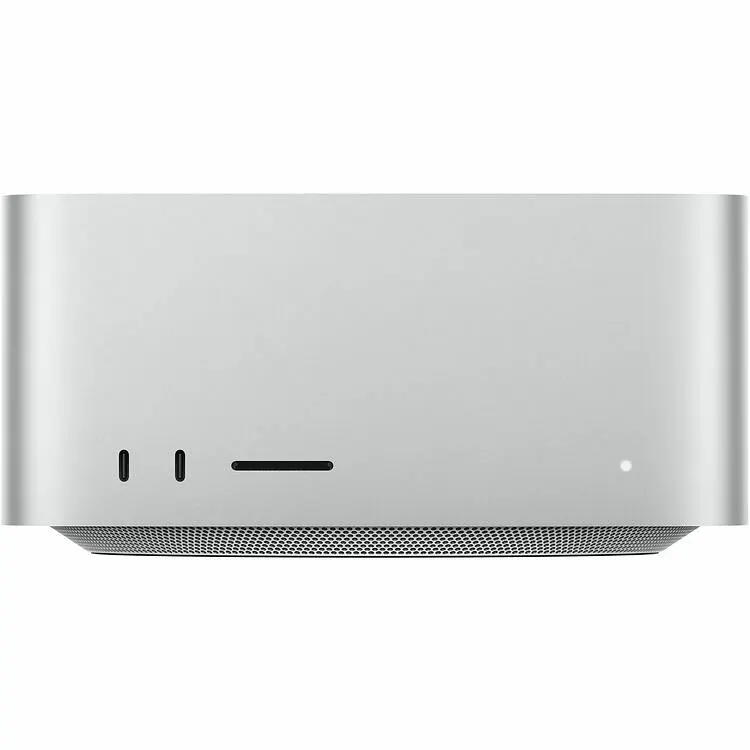
My current desktop is a M4 Max model w/128GB RAM. This computer powers through all that I throw at it including difficult merging of timelapse and astrophotography images.
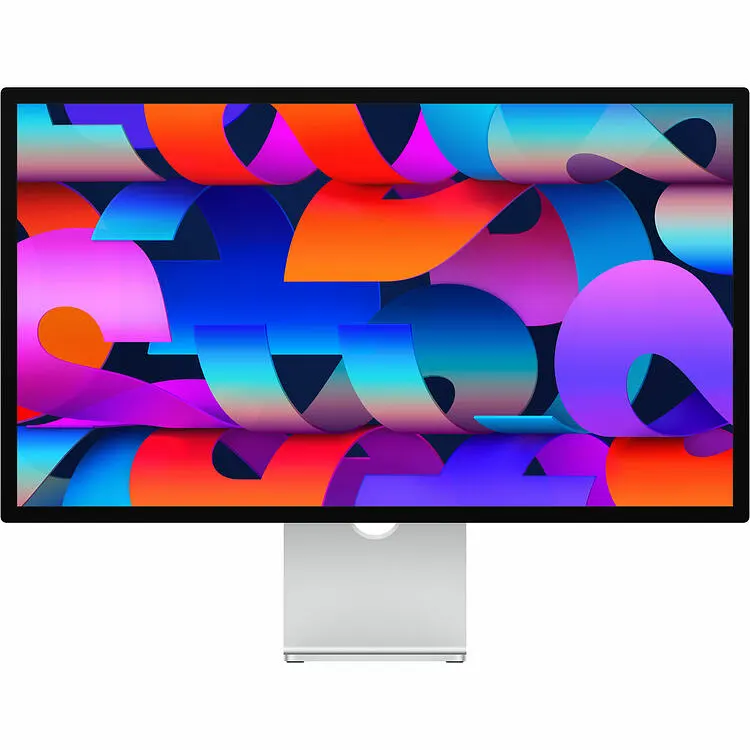
I use two of the Nanotexture versions of this 27" monitor. The 5k resolution is great for editing vibrant high definition images.
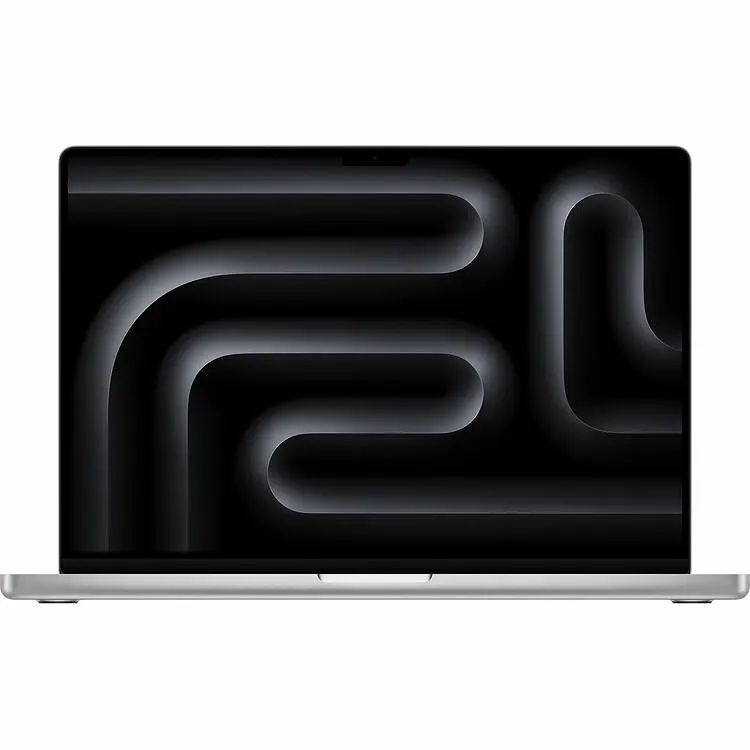
My current travel laptop is the M3 Max with 36GB. This model is a couple years old now, but is still going strong without any lagging when I'm editing images from the road. The 14" size is great for slotting into most camera bags, and this model has an SD slot for downloading images without the need for an external reader.
It's always best to have multiple backups of your data, including one off-site location for your images. I've been using this set up for a couple years and have found it easy for automatic backups and my storage needs while travelling. On top of these storage devices, I also back up all of my computers to the cloud using the services from Backblaze.com
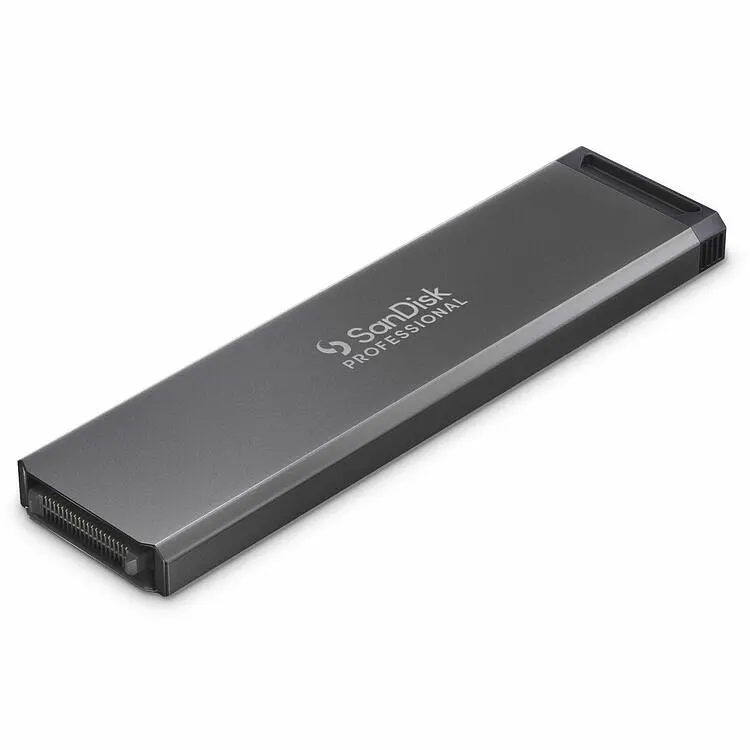
4TB SSD PRO-BLADE SSD Mag
This drive is super fast and it slots into both the desktop station or the transit travel module so I can bring my Lightroom catalogue with me wherever I go.
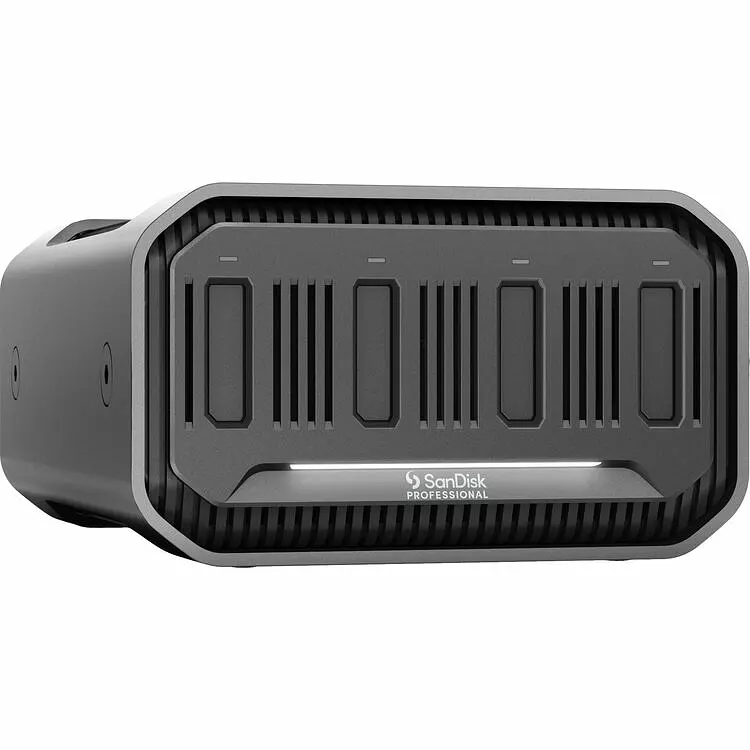
PRO-BLADE STATION
This convenient station can store up to four of the PRO-BLADE mags making it a convenient storage and backup solution for all of your images and data.
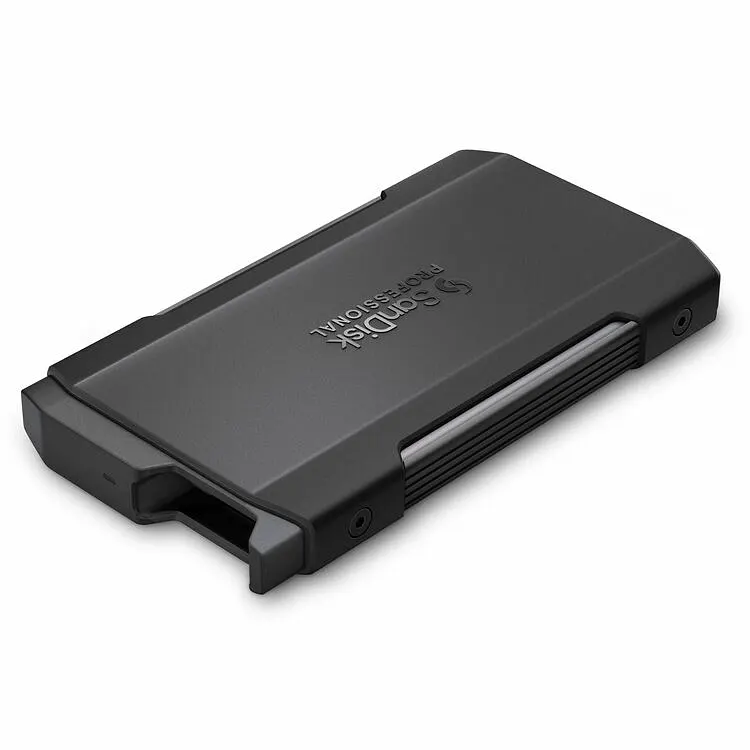
PRO-BLADE TRANSPORT
This small and portable module is used in conjunction with one PRO-BLADE mag for easy travel with my Lightroom catalogue and location for backing up my SD and CFExpress cards while on the roa.
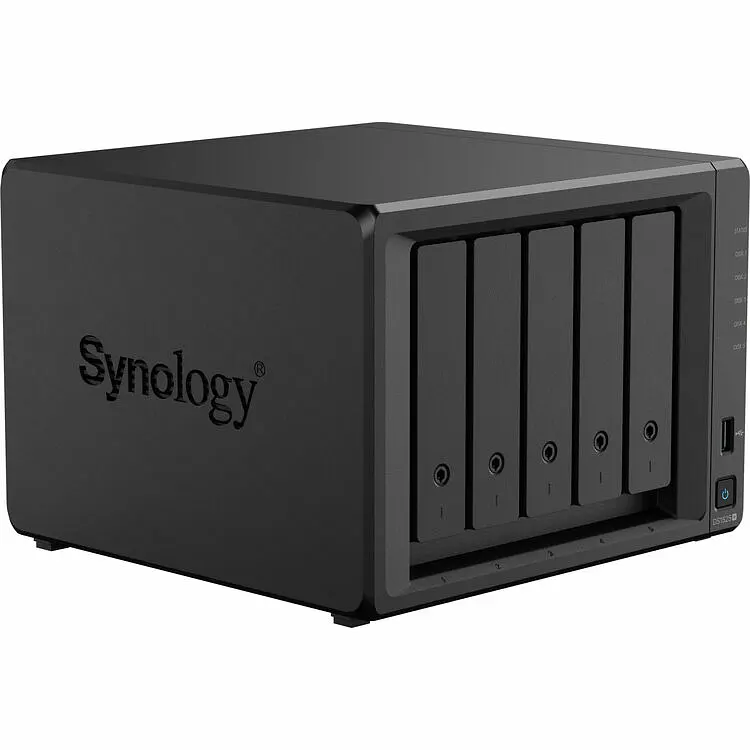
DS1525+ Networked Attached Storage
This 5-bay unit houses large spinning disk hard drives as my final on-site backup location for all of my data and images. I use Synology brand drives.
Printing is the best way to improve your photography. There is nothing like holding your image in your hands and being able to see every detail (and every dust spot you forgot to remove). Even if you don't invest in your own printer, take the time to use a printing service to turn your images into artwork!
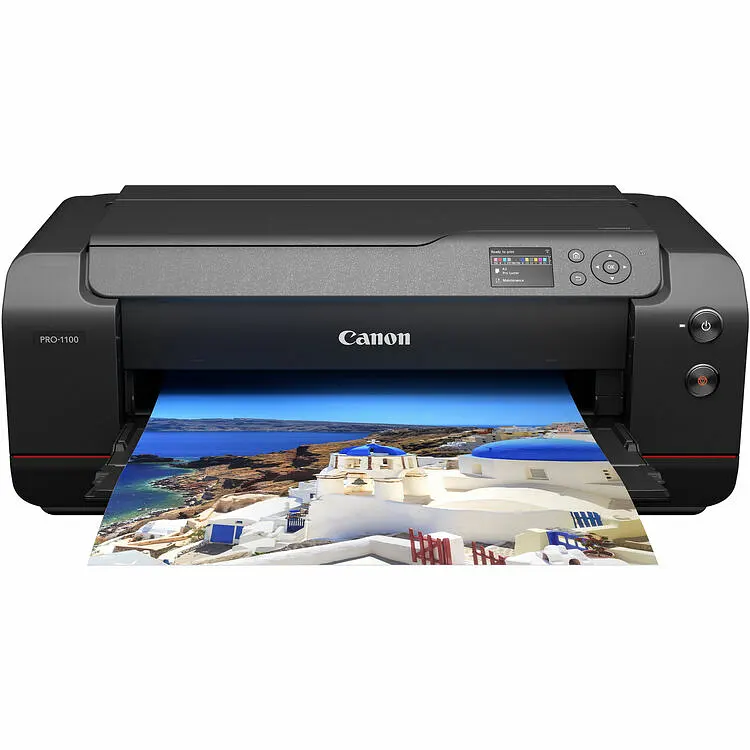
PRO-1100 17" Inkjet Printer
This is my newest printer and I couldn't be happier with the results I'm achieving. The 11-color LUCIA inks are archival quality ensuring my prints will not fade over time and the detail is amazing!
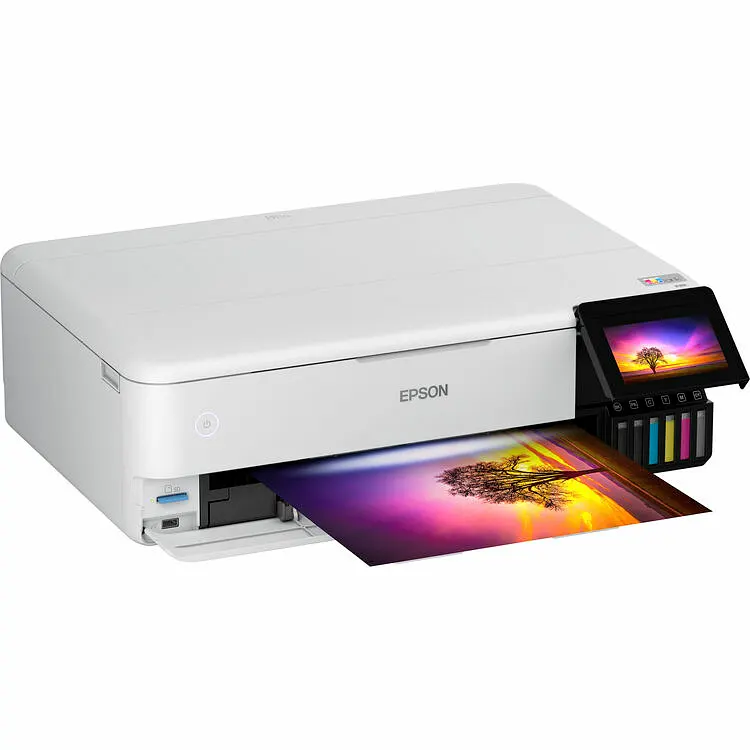
ET-8550 Supertank Printer
If you are on the fence about getting into photo printing, I still highly recommend this printer. While it is not archival quality, you can't beat the quality-to-price ratio. It uses six refillable ink cartridges and I was able to get some stunning prints out of this machine and still use it for daily document printing too.
Here are some of the essential software programs that I have used and can recommend.

Image Catalogue and RAW editing
Even though Adobe's subscription model is getting expensive, I have grown to rely on Lightroom for cataloguing my 1 Million+ images. I also start all of my editing using its powerful RAW processing tools.
Photo Editing Suite
I don't use Photoshop's powerful editing software as much now that Lightroom has improved so much. But there are still times where it can improve an image more than any other tool available and I wouldn't want to be without it.

Advanced Image Processing for Astrophotography
Designed specifically for astrophotography image processing and is essential for stacking and editing the thousands of images taken over multiple nights of collection

Focus Stacking Software
Helicon Focus is my go-to software for combining several shots taken at different focus distances. Great for both landscape and macro photography when every detail must be in focus.